Collaborate on customer conversations in real time
Route conversations to the right teammate, assign ownership, and resolve faster without losing context.
Start Free TrialOmnichannel inbox with teammate assignments
AI helper and Canned Responses to speed up conversations
Internal notes and private messages for async collaboration
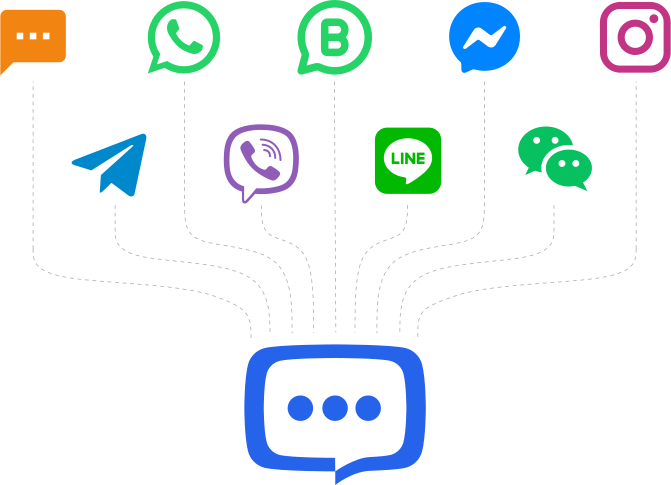
Connect All Your Communication Channels
Bring all your messaging platforms together in one place and manage conversations from every channel without switching between apps.
Connect messaging channels in just a few clicks with a simple integration process.
Add several channels from the same platform, such as multiple Facebook Pages, Instagram accounts, or WhatsApp numbers.
Assign specific agents to each channel to keep communication organized and efficient.
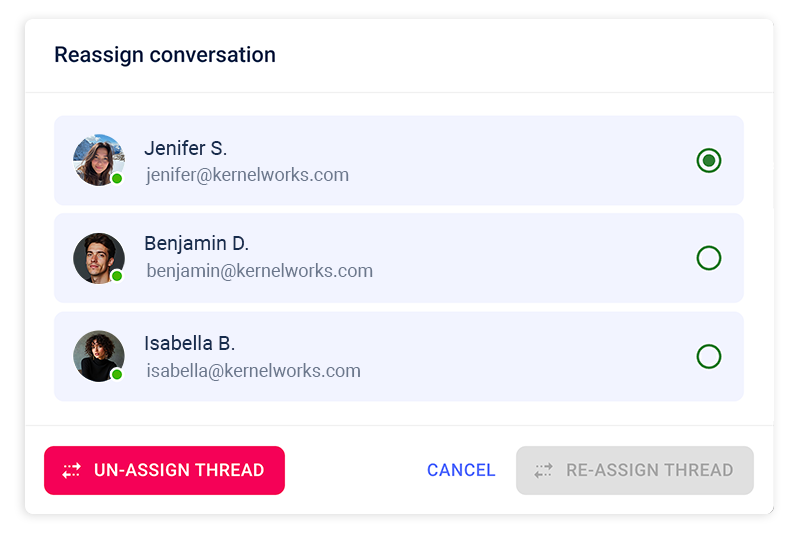
Collaborate with a Shared Team Inbox
Work together with your team in a shared inbox where conversations can be organized, assigned, and managed efficiently.
Add team members and let them collaborate on customer conversations in one place.
Move chats between agents when another teammate is better suited to help.
Route and assign conversations to the right department for faster and more accurate support.
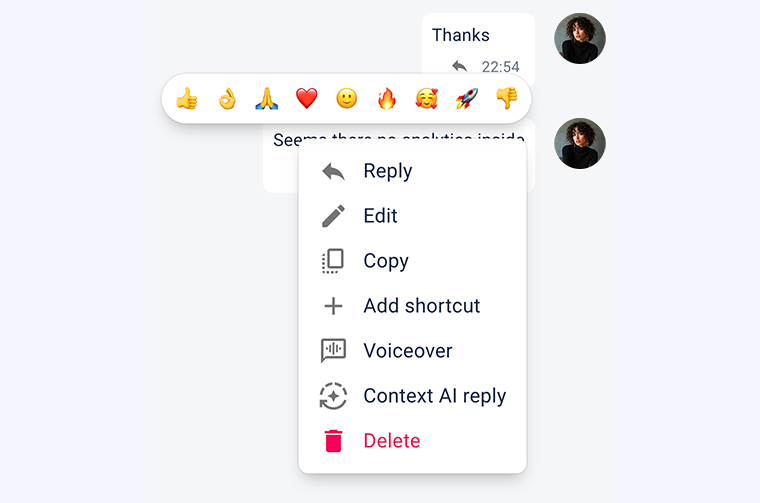
Rich Messaging Inside Shared Inbox
Communicate with customers naturally using modern messaging features that make conversations clearer and more engaging.
Respond directly to a particular message to keep conversations clear and easy to follow.
Attach images, documents, and other files to provide better support.
Use emojis to add a friendly, human touch to your conversations. 😊
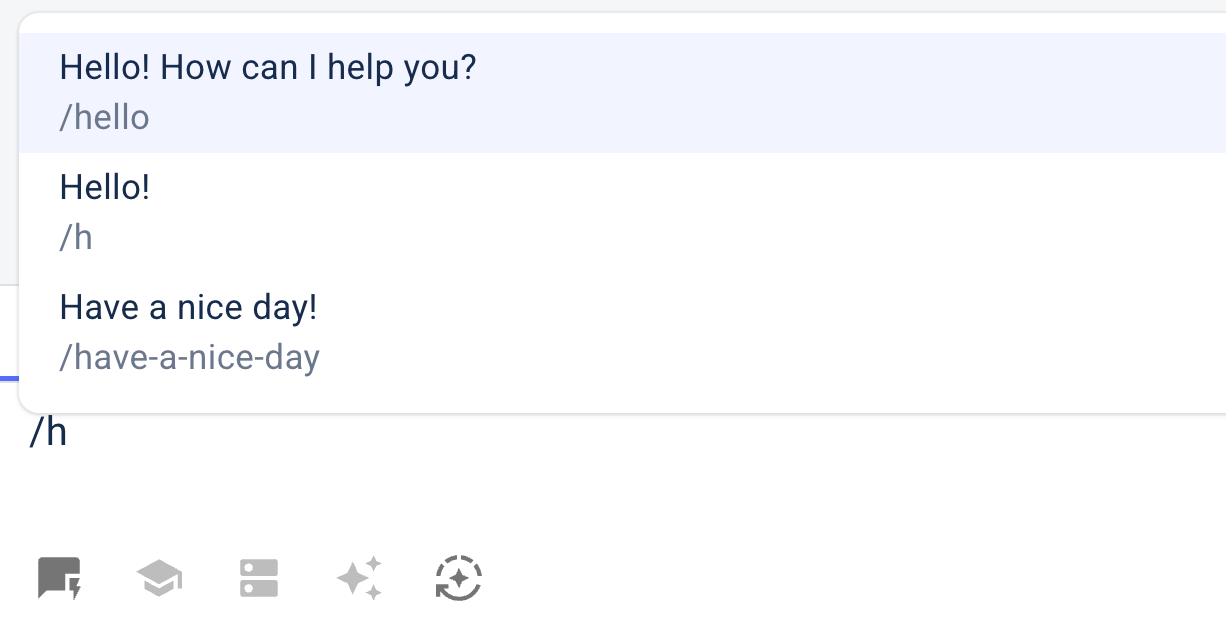
Respond Faster with AI and Canned Replies
Speed up customer support with AI-powered writing assistance and reusable canned responses directly inside your shared inbox.
Generate responses based on the full conversation context or a single message.
Instantly rewrite, expand, shorten, or correct the tone and spelling of your replies.
Save frequently used replies and insert them in seconds to answer common questions faster.
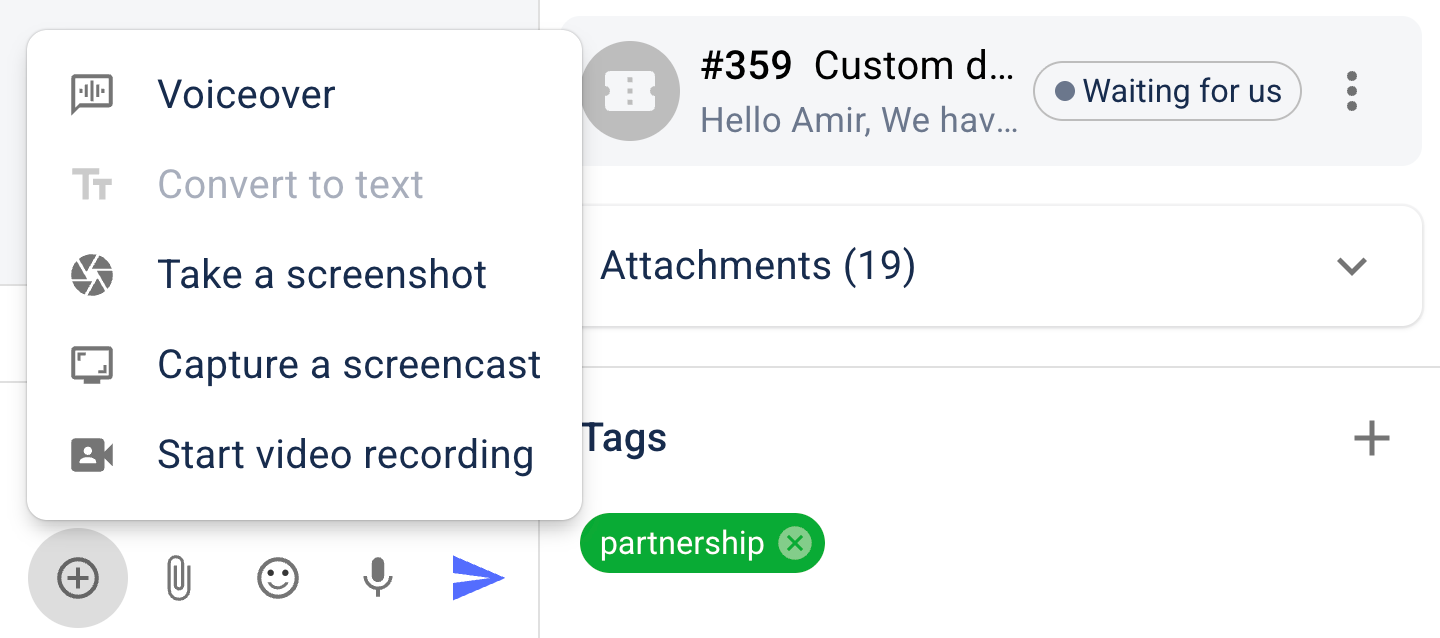
Use extra features to speed up your conversations
Go beyond plain text messages by using voice, screenshots, and video to explain solutions faster and make conversations more helpful and engaging.
Record and send voice messages to explain things faster and add a personal touch to conversations.
Quickly take a screenshot and send it directly in the chat to show exactly what you mean.
Create screencasts or record a video with your camera to demonstrate solutions more clearly.
Convert text messages to voice or automatically transcribe voice messages into text for easier communication.
Organize Conversations with Powerful Tools
Keep your inbox structured and manageable with tools that help you categorize, prioritize, and control conversations.
Add tags and custom fields to conversations to organize and track important information.
Pin important conversations to the top or mute less urgent ones to stay focused.
Ban problematic visitors to prevent spam or unwanted messages.